
On This Page
- What Is Zero Trust Security? (Your Castle Has a Problem)
- Why Traditional Network Security No Longer Works
- The 3 Core Principles of Zero Trust
- What Does Zero Trust Look Like at a Real Company?
- How to Implement Zero Trust: 5 Practical Steps
- 5 Common Mistakes When Adopting Zero Trust
- Can Small and Mid-Size Businesses Actually Do Zero Trust?
- Frequently Asked Questions

On This Page
- What Is Zero Trust Security? (Your Castle Has a Problem)
- Why Traditional Network Security No Longer Works
- The 3 Core Principles of Zero Trust
- What Does Zero Trust Look Like at a Real Company?
- How to Implement Zero Trust: 5 Practical Steps
- 5 Common Mistakes When Adopting Zero Trust
- Can Small and Mid-Size Businesses Actually Do Zero Trust?
- Frequently Asked Questions
What Is Zero Trust Security? (Your Castle Has a Problem)
If someone asked you to explain zero trust in one sentence, here's the short version: stop assuming anyone inside your network is safe. That's the whole idea. But getting there takes more than a sentence, so let's walk through it.
For decades, cybersecurity operated on a simple idea: build a fortress. Thick walls, a deep moat, guards posted at the drawbridge. Anyone who made it past the gate? Trusted. Free to roam the halls, open any door, read any document.
The model assumed one thing: that the perimeter would hold. It didn't.
Modern attackers rarely storm the front gate. They phish a credential from an employee at a coffee shop. They compromise a vendor's VPN access. They exploit a forgotten API that nobody patched. And once inside? The castle model hands them the keys to everything.
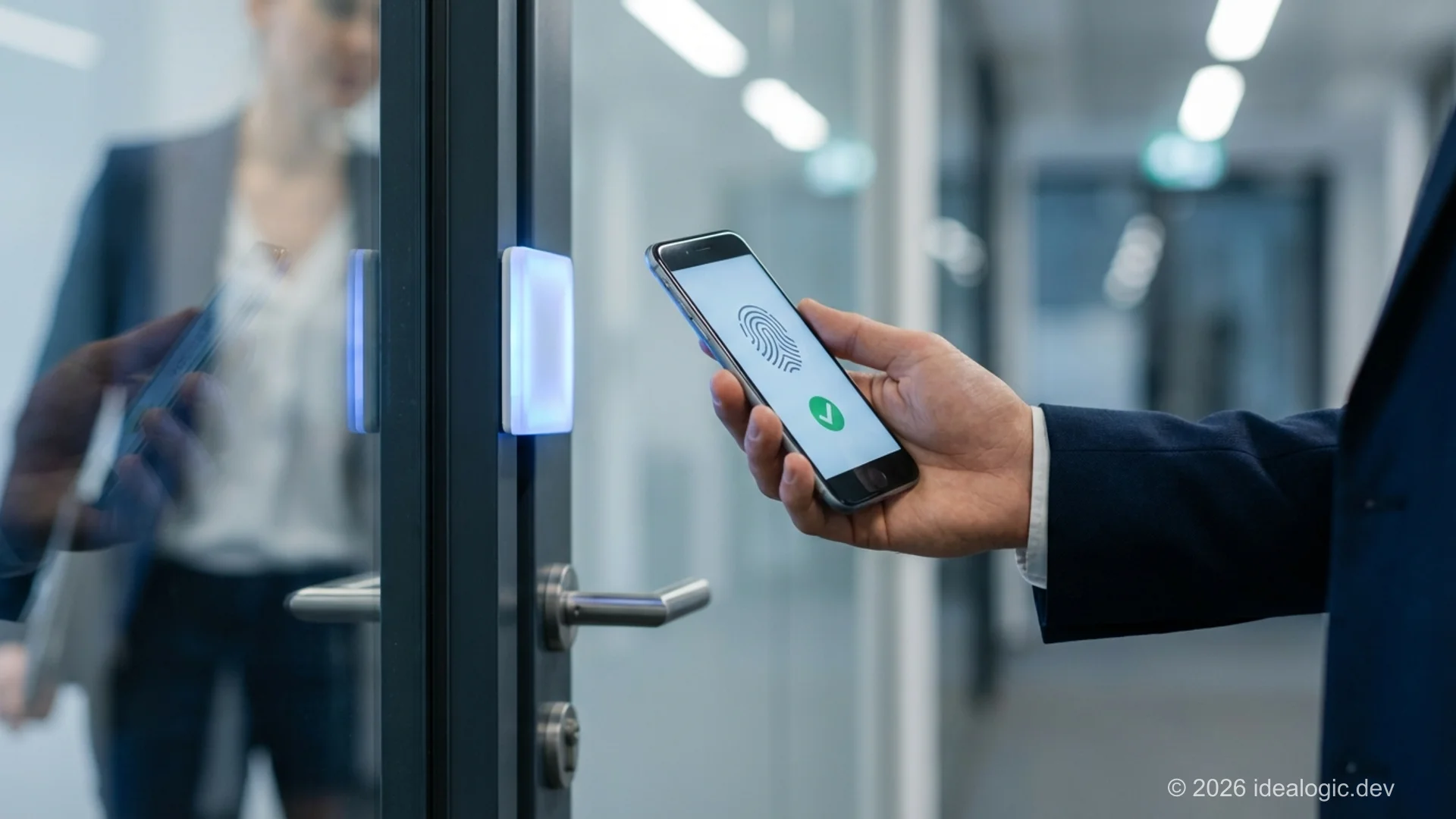
Zero trust flips this entirely. Picture a building where every room has its own lock. Every person, even the CEO, badges in at every door, every time. Nobody gets blanket access just because they walked through the lobby.
Zero trust is a cybersecurity model built on the principle "never trust, always verify." Instead of assuming users or devices inside a network are safe, zero trust requires continuous verification of every access request, regardless of where it originates or who is asking.
The concept isn't new. Forrester Research analyst John Kindervag coined the term in 2010. But adoption exploded after 2020, when remote work obliterated whatever was left of the corporate perimeter. NIST formalized the architecture in SP 800-207, and the U.S. government reinforced the shift with Executive Order 14028, which mandated federal agencies to adopt zero trust architecture. Today the zero trust security market has grown to roughly $48 billion globally, and most serious security strategies treat the approach as the baseline, not the aspiration.
So why did the old model break? What do the core principles actually mean in practice? And how does a business of any size start moving toward zero trust? That's what we'll cover.
Why Traditional Network Security No Longer Works
The perimeter security model, the "castle-and-moat" approach, was designed for a world that no longer exists. Employees sat in offices, data lived on local servers, and the network had clear boundaries. Here's what changed.
The perimeter disappeared
Your employees work from home offices, airport lounges, and hotel rooms. Your data sits across two or three cloud providers, a handful of SaaS tools, and maybe a legacy on-premise server that nobody wants to touch. There is no "inside" anymore, at least not in any meaningful sense.
VPNs create a dangerous illusion
A VPN puts a remote user "inside the network" and then trusts them completely. If an attacker steals one VPN credential through phishing or a dark web marketplace, they can move laterally across the entire environment, jumping from system to system with no additional checks. The attacker doesn't break through the wall. They walk in through a legitimate tunnel. This is why many organizations are replacing VPNs with zero trust network access (ZTNA) solutions and software-defined perimeters (SDP) that grant access per application rather than per network.
Insider threats aren't just about bad actors
When people hear "insider threat," they picture a disgruntled employee stealing data. The reality is messier: someone who clicked a phishing link, reused their Netflix password for work, or left a laptop unlocked at a conference. The castle model trusts all of them equally.
Cloud and hybrid environments broke the model
When your applications, data, and users are distributed everywhere, a perimeter-based strategy cannot cover all the entry points. You bolt on patch after patch until the architecture becomes harder to secure than what you started with.
Compliance regulations now expect it
Regulatory frameworks like GDPR, HIPAA, and PCI DSS increasingly expect the kinds of controls that zero trust delivers: granular access management, continuous monitoring, encryption in transit and at rest, and audit trails. Organizations that adopt this model don't just improve security posture. They make compliance audits far less painful. Meanwhile, the average cost of a data breach has climbed past $4.8 million according to IBM's latest research, so the "do nothing" option gets more expensive every year.
| Aspect | Traditional Perimeter Security | Zero Trust |
|---|---|---|
| Default stance | Trust inside, block outside | Trust no one, verify everything |
| Network access | Broad access after VPN or login | Least-privilege, per-request access |
| Breach impact | Attacker moves freely once inside | Attacker is contained to one segment |
| Remote work support | Bolted on via VPN tunnels | Native; location is irrelevant |
| Cloud compatibility | Requires complex workarounds | Designed for cloud-first environments |
| Compliance support | Manual mapping to GDPR, HIPAA, PCI DSS | Built-in alignment with modern compliance requirements |
Perimeter security was built for a world with clear walls. That world is gone. Zero trust is what replaced it. For a broader look at how enterprise IT security frameworks address this shift, we covered the top frameworks in a separate guide.
The 3 Core Principles of Zero Trust
The concept sounds abstract until you break it into three ideas. These principles come straight from the NIST SP 800-207 zero trust architecture framework, but they make sense even without the technical background.
1. Never Trust, Always Verify
Every access request gets treated as if it's coming from an untrusted network. Sitting in the office on company Wi-Fi? Doesn't matter. Logged in five minutes ago? Irrelevant. The system checks your identity, your device health, your location, and the specific resource you're requesting, every single time.
Multi-factor authentication (MFA), device posture checks, and behavioral analysis all work together here. The goal is continuous adaptive trust, not a single checkpoint at the front door.
Think of it like airport security. Even if you fly every week, you go through the same scanner every time. Your frequent-flyer card doesn't let you skip the metal detector.
2. Least-Privilege Access
Users and devices get access to exactly what they need for their current task. Nothing more. A marketing manager doesn't need access to the production database. A contractor brought in for one project shouldn't see files from three other projects.
This is the principle of least privilege in action, enforced through identity and access management (IAM) and privileged access management (PAM) tools. That shrinks the attack surface. Even if one account is compromised, the damage stays within a narrow slice of your environment.
Think of hotel key cards. Your card opens your room and the gym. It doesn't open every room on the floor just because you're a registered guest.
3. Assume Breach
This is the uncomfortable one. You assume an attacker is already inside your network. Not that they might get in. That they're already there.
That assumption changes everything about how you design security. You segment the network through micro-segmentation so a breach in one area can't cascade across the organization. You block lateral movement between segments. You monitor continuously. You log everything. You build for containment, not just prevention.
Think of watertight compartments on a ship. If one compartment floods, the bulkhead doors seal. The ship doesn't sink because one section took on water. The damage stays contained.
The three work together. Verification keeps unauthorized users out. Least privilege limits what any compromised identity can reach. And assuming breach means when something does go wrong, the damage stays contained instead of spreading everywhere.
One thing to be clear about: zero trust is a framework, not a single product. Technologies like ZTNA (zero trust network access) handle application-level access, while SASE (secure access service edge) combines networking and security functions into one cloud-delivered model. Both implement zero trust principles, but at different layers of the stack.
What Does Zero Trust Look Like at a Real Company?
Principles are useful. But what does zero trust actually feel like on a Tuesday morning?
9:00 AM. Sarah, a product manager, opens her laptop at home. Her device checks in with the company's identity provider. The system verifies: Is this Sarah's registered device? Is the OS patched? Is endpoint protection running?
9:05 AM. Sarah opens the project management tool. The policy engine checks her role and grants access to her team's boards only. She can't see the engineering deployment dashboard. She doesn't need it.
10:30 AM. Sarah tries to access the customer database for a quarterly report. The system flags this as unusual for her role, triggers an additional MFA prompt, and logs the request for review.
2:00 PM. A contractor on her team logs in from a new laptop. Access is blocked until the device passes a health check and the contractor's manager approves it.
No drama. But behind the scenes, five layers were working:
- Identity provider. Who are you? Prove it.
- Device trust. Is your machine safe to connect?
- Policy engine with conditional access policies. Are you allowed to do this specific thing, right now, from here?
- Micro-segmentation. Even with access, you can only reach your assigned area.
- Continuous monitoring. Every action is logged, not just the login event.
Sarah's day isn't disrupted. But the company's data is protected at every step.
And it's not just employees. IoT devices, printers, smart building systems, and conference room hardware all connect to your network too. Zero trust treats every connected device as untrusted by default. They all go through the same verification before they get any access.
We help companies build this kind of architecture through secure software development, where security goes into the foundation instead of getting bolted on later.
How to Implement Zero Trust: 5 Practical Steps
Implementation isn't a weekend project. But it's also not as overwhelming as vendors make it sound. Here's a practical roadmap.
Step 1. Map Your Assets and Data Flows
Before you protect anything, know what you have. Inventory every user, device, application, and data store. Most companies are surprised by what turns up: shadow IT, forgotten integrations, third-party tools with excessive permissions. Cloud security posture management (CSPM) tools can automate much of this discovery for cloud environments.
Step 2. Identify Your Protect Surfaces
You don't need to secure everything at the same intensity on day one. Identify your crown jewels: customer data, financial systems, intellectual property, compliance-sensitive records. These "protect surfaces" are where a breach would cause the most damage.
Step 3. Implement Strong Identity and Access Management
This is the foundation. MFA everywhere, no exceptions. Role-based access controls (RBAC) enforcing least privilege. Single sign-on (SSO) with conditional access policies that adapt based on context. Without strong identity, the rest is theater.
Identity is also where AI agents for automated monitoring are starting to play a real role. They can spot anomalous access patterns faster than any human analyst.
Step 4. Segment Your Network
Break your network into zones through micro-segmentation. If an attacker compromises the marketing team's email, they shouldn't be able to pivot to the production database. Each segment has its own access rules and monitoring. Network access control (NAC) and data loss prevention (DLP) tools support this layer. Endpoint detection and response (EDR) solutions catch threats at the device level before they spread.
Step 5. Monitor, Log, Automate
Continuous monitoring of every access event. Automated responses to anomalies: lock an account, require re-authentication, alert the security team. SIEM platforms aggregate this data, but even cloud-native logging tools can get you started.
This is not "set it and forget it." The model requires ongoing tuning. If you need dedicated people managing this, security-focused development teams can bridge the gap. And the right approach to building that team matters. Here's our take on building a strong technical team that can sustain this work.
Zero Trust Is a Journey, Not a Switch
Most organizations take 12 to 24 months to reach a meaningful level of zero trust maturity. Don't try to do everything at once. Start with identity (Step 3), which pays off quickest and creates the foundation for everything else. Then expand outward to network segmentation and continuous monitoring.
5 Common Mistakes Companies Make When Adopting Zero Trust
We've seen companies stumble on zero trust adoption in predictable ways. Here are the five that come up most often.
1. Treating it as a product purchase, not a strategy
This is not a box you buy and install. It's a security philosophy that touches architecture, policies, and culture. Any vendor who says "buy our product and you have zero trust" is oversimplifying to close a deal. Strategy first. Tooling supports the strategy, not the other way around.
2. Trying to do everything at once
A full overhaul across the entire organization at once leads to blown budgets and project fatigue. Start with one protect surface. Prove the model works. Then expand.
3. Forgetting the user experience
If the new security model makes it painful to do work (constant prompts, blocked access, sluggish logins), people find workarounds. Shadow IT thrives when security is hostile to productivity. The best implementations are nearly invisible to end users.
4. Ignoring legacy systems
Many organizations have legacy apps that don't support modern authentication. Pretending they don't exist creates a security hole. You need a plan: API proxies, authentication wrappers, or phased replacement. Ignoring them is not a plan.
5. No executive buy-in
Zero trust touches every department. Without leadership support, it stalls at the IT team level. Frame it as business risk management, because that's what it is, and get buy-in from the top before changing how people work.
For distributed workforces, these mistakes compound. The challenges of managing distributed teams securely add complexity that needs executive attention.

Zero Trust Doesn't Mean You Distrust Your People
Let's be direct: zero trust is about systems, not suspicion. You're not telling employees you don't trust them. You're building an architecture that protects everyone, including them, by eliminating the assumption that any single credential or device is inherently safe. Good security protects your people as much as it protects your data.
Can Small and Mid-Size Businesses Actually Do Zero Trust?
Short answer: yes. But it looks different than what you see in enterprise case studies, and that's fine.
You don't need a million-dollar SIEM deployment or a 24/7 security operations center to practice zero trust. You need the basics, and the basics deliver roughly 80% of the security value.
Here's where to start:
- MFA on everything. Most identity providers (Google Workspace, Microsoft 365) include this. Turn it on. Enforce it. No exceptions for the CEO.
- Least-privilege access review. Sit down and look at who has access to what. Most SMBs have never done this exercise, and the results are always eye-opening. The intern from 2023 still has admin access to your CRM? Fix that.
- Endpoint management. Even basic mobile device management (MDM) for company devices makes a difference. Know what's connecting to your systems.
- Cloud-native security tools. Most SaaS platforms have built-in zero-trust features: conditional access, session controls, audit logs. You're probably already paying for them. Use them.
The biggest risk for small businesses isn't cost. It's inaction because the concept "sounds like a Fortune 500 thing." The basics are affordable, and they cut your attack surface down considerably.
Cloudflare's Zero Trust overview and Microsoft's Zero Trust model documentation both offer free resources tailored to organizations at different maturity levels.
If you're building new software and want security baked in from day one rather than retrofitted later, that's something our team handles through secure software development. And if you're not sure where your biggest gaps are, a security strategy assessment through IT security consulting is the fastest way to find out.
What Does Zero Trust Actually Cost for an SMB?
Identity and MFA through Google Workspace or Microsoft 365: $0-15 per user per month. Endpoint management through tools like Mosyle or Kandji: $5-15 per device per month. Network segmentation using VLANs and cloud-native security groups: mostly IT time plus $0-500 per month. Monitoring and logging through cloud-native services like AWS CloudTrail or Google Cloud Audit Logs: $0-200 per month. The entry point is far lower than most people expect.
On This Page
- What Is Zero Trust Security? (Your Castle Has a Problem)
- Why Traditional Network Security No Longer Works
- The 3 Core Principles of Zero Trust
- What Does Zero Trust Look Like at a Real Company?
- How to Implement Zero Trust: 5 Practical Steps
- 5 Common Mistakes When Adopting Zero Trust
- Can Small and Mid-Size Businesses Actually Do Zero Trust?
- Frequently Asked Questions